A Xiaohongshu cover has one job: make someone stop scrolling a two-column feed and tap. To do that, it has to answer three questions in about a second: what is this, is it for me, and what do I get if I open it? This Xiaohongshu cover formula gives you a repeatable system: five title patterns, four layouts and a checklist you can run before every post.
Where your cover is actually seen
Nobody sees your cover full screen first. It appears in a two-column feed at roughly half the width of a phone, surrounded by other notes. In practice that means:
- Usually only the main title line is readable;
- Texture, fine detail and small subtitles mostly disappear;
- Color and light-dark contrast decide whether your image pops out of the column or blends in.
So always judge a cover at thumbnail size, not on a large monitor.
The three questions a cover must answer
| Reader's question | Cover element | Example |
|---|---|---|
| What is this? | Topic word | AI tools, waking up early, budgeting |
| Is it for me? | Audience or situation | Office workers, an 8,000-yuan salary, sensitive skin |
| What do I get? | Number, result or promise | 6 tool types, 2 extra hours a day |
All three don't have to sit in the main title, but each should be findable on the cover. Without "is it for me", readers assume it's for someone else. Without "what do I get", there's no reason to tap.
Five title patterns
These patterns are written for Chinese-language covers, since that's what Xiaohongshu users read, but they translate cleanly if you draft in English first and localize.
1. The numbered list
Audience + number + topic: "6 AI tools for office workers", "4 accounts for first-time budgeters". The number sets a clear expectation of how much is inside and how long it'll take.
2. Before and after
Before → after + timeframe: "From 9 a.m. to 6 a.m. wake-ups in 30 days". Contrast carries a built-in story and suits personal experience posts. The change must be real, and the inside cards must explain it.
3. The audience lock
Specific audience + specific problem: "A 5-step autumn routine for sensitive skin". The narrower the audience, the stronger the pull for the right readers. Everyone else scrolling past is fine.
4. The warning
"Stop doing X" or "Don't make this mistake": "Stop washing your face like this when seasons change". It taps the fear of doing something wrong and fits correction and checklist content. The inside must give the right method, not just raise anxiety.
5. Result plus method
A tangible result + how many methods: "2 extra hours a day: how to use 6 types of AI tools". The result should be specific and something your cards can actually back up.
Pick the pattern from the content's shape, not the other way round. A list → pattern 1. A personal change → pattern 2. A narrow audience → pattern 3.
Four cover layouts
Big type
A large title fills the cover over a solid color or gentle gradient. Ideal for how-to posts, checklists and tool roundups. It stands out in the feed and is easy to turn into a recognizable series.
Image plus title
A hero photo or illustration on top, title in the middle or lower half. Suits travel, food and fashion, where the visual sells the post. Keep the area behind the title clean, adding a semi-transparent color band if needed.
Split comparison
Two halves, left-right or top-bottom, showing before and after or two approaches. Works for makeovers, comparisons and mistake posts. Make the divider and labels obvious.
List preview
Three to six keywords under the title preview what's inside. Good for dense roundups, as long as keywords stay short and the type stays large.
Making a cover in six steps
- Write the note's core promise in one sentence and fit it to one of the patterns above.
- Trim the main title to 8 to 16 Chinese characters, or about six English words. Move the rest to a subtitle or inside.
- Choose a layout based on whether the content is information-led or visual-led.
- Set the hero visual and palette with strong contrast between text and background.
- Shrink the cover to half a phone screen's width and check the title reads instantly.
- Place it next to your account's existing covers and confirm it looks like part of the same series.
Pre-publish checklist
| Check | Pass condition |
|---|---|
| Title length | Readable at a glance in a thumbnail |
| Number or result | At least one specific number, result or audience |
| Text contrast | Dark on light or light on dark, never over busy patterns |
| Promise kept | Every claim on the cover is delivered inside |
| Series look | Fonts, colors and layout match your other notes |
| Safe zone | Key text sits well inside the edges and can't be cropped |
Case study: a neon AI-tools carousel
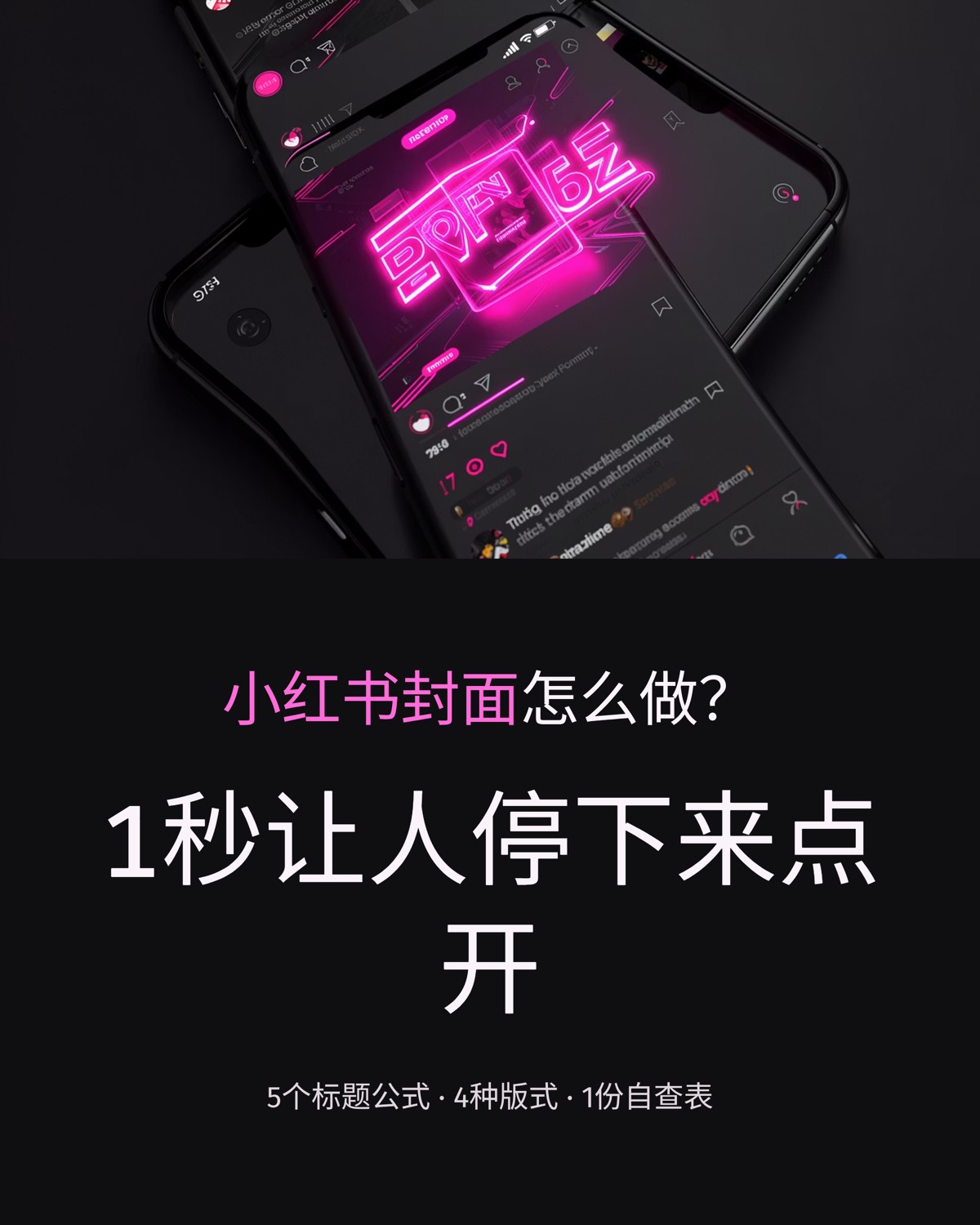
Our gallery includes a carousel titled "6 AI tools every office worker needs in 2026", built in a neon tech style with a dark background and glowing pink-purple accents. Its cover breaks down into three layers. The main title uses the numbered-list pattern. The subtitle adds a tangible result, two extra hours a day. And the dark background makes the bright title stand out in a mostly light feed. Inside, each card covers one tool scenario, then closes with usage tips and a question, delivering the "6" promised on the cover. Open the AI tools carousel example to see its exact input and every card.
Testing cover styles faster with AI
Patterns get your title right; the visual style usually takes a few tries. When you create a Xiaohongshu carousel in our AI slide studio, you first get an editable outline, so you can rewrite the cover title using the patterns above before anything is generated. Add preferences in the instructions, such as "a number in the cover title" or "dark background", and the cards follow them. To compare looks, use one-click restyle to regenerate the same content in a different style.
Once the cover works, see our guide to how-to post layout for Xiaohongshu for the inside cards, and the Xiaohongshu image size guide for ratios and safe zones.
FAQ
How long should a Xiaohongshu cover title be?
For Chinese copy, aim for 8 to 16 characters in the main title so it reads at a glance in a phone thumbnail. If you are drafting in English first, keep it to about six words. Anything extra belongs in a smaller subtitle or on the inside cards.
Does the cover need a photo of a real person?
No. Faces work well for fashion, food spots and personal stories. For how-to posts, lists and tool roundups, a large title over a clean illustration or icon is just as clear. What matters is one obvious subject and an uncluttered background.
Is an exaggerated cover title a problem?
Every promise on the cover has to be delivered inside the note. Otherwise readers bounce quickly and the post reads as clickbait. Use numbers, contrast and a specific audience to create pull, but never invent results or overstate the effect.
Before your next post goes out, run the cover through the checklist above. Want to see a few styles side by side? Paste your draft into the carousel studio, fix the cover title in the outline, and generate.
 Editorial Team