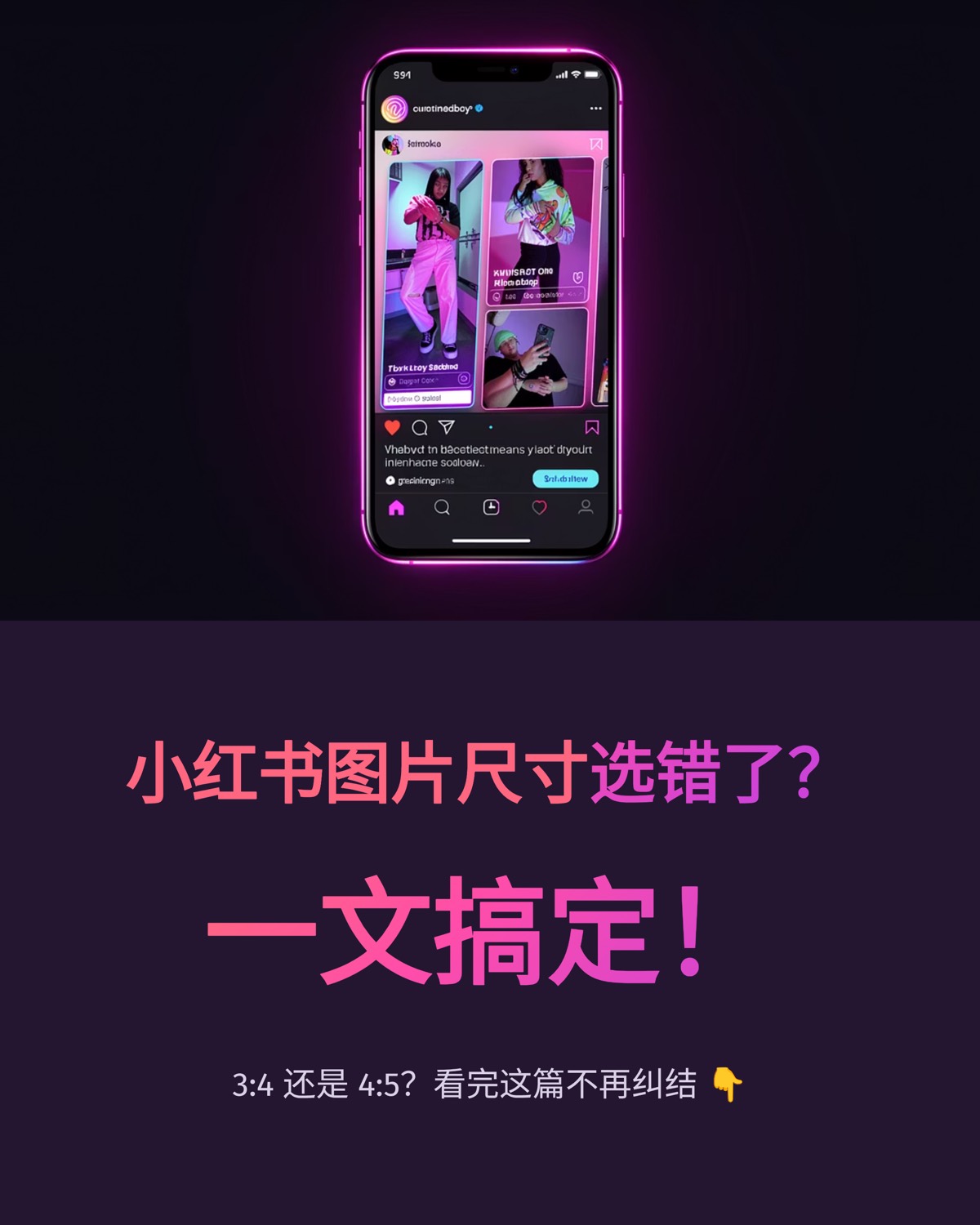
This Xiaohongshu image size guide starts with the basics: image posts commonly use one of two vertical sizes, 3:4 (typically 1080 × 1440 px) or 4:5 (typically 1080 × 1350 px), with 1:1 squares also supported. 3:4 takes up slightly more height in the two-column feed; 4:5 is a little shorter but travels well to other platforms. Whichever you choose, two things matter more than the ratio itself: keep the whole set consistent, and keep important text inside a safe zone.
Short answer: posting only on Xiaohongshu and leaning on visual impact? Use 3:4. Making text-led how-to posts or publishing the same set elsewhere? Use 4:5. Our AI slide studio generates 4:5 and also offers a padded 3:4 download; below we cover the difference and how the conversion works.
Common ratios at a glance
| Ratio | Typical pixels | How it shows in the feed | Good for |
|---|---|---|---|
| 3:4 portrait | 1080 × 1440 | Tallest standard option, cover stands out | Xiaohongshu-only accounts, fashion, travel |
| 4:5 portrait | 1080 × 1350 | Slightly shorter than 3:4, shown in full | How-to posts, lists, cross-platform sets |
| 1:1 square | 1080 × 1080 | Smaller footprint | Product shots, grid aesthetics, quote cards |
| 4:3 landscape | 1440 × 1080 | Noticeably smaller | Screenshots, wide charts; use sparingly |
Images taller than 3:4, such as 9:16 or longer phone screenshots, are usually cropped or letterboxed when viewed, so convert them to one of the ratios above before posting.
3:4 vs 4:5: an honest comparison
The actual difference
At a width of 1080 px, 3:4 is 1440 px tall and 4:5 is 1350 px tall. That's a 90 px gap, which makes 3:4 roughly 7 percent taller. In a two-column feed, your cover gets a slightly taller tile. The difference is real but modest, and it rarely outweighs a well-written cover title.
When 3:4 makes sense
- Your account lives only on Xiaohongshu and you won't reuse the images elsewhere.
- The content sells on visuals, such as landscapes or full-length outfit shots.
- Your existing posts already use 3:4, and consistency matters more than switching.
When 4:5 makes sense
- The same set is going to other platforms, or will be exported as a PDF carousel for LinkedIn. 4:5 is the more portable portrait ratio.
- The post is text-led. A slightly shorter canvas keeps the reading area compact.
- Your team produces in volume and wants one layout template for every channel.
That second scenario is why our AI slide studio exports Xiaohongshu carousels at 4:5: one article becomes an image set for Xiaohongshu, and the same layout also works for a LinkedIn document post.
Converting 4:5 to 3:4 without losing text
If your account standardizes on 3:4, here's how to adapt a 4:5 image:
- Extend the canvas. In any image editor, change the canvas from 1080 × 1350 to 1080 × 1440 by adding 45 px at the top and bottom, filled with the background color. Nothing is cropped. This suits solid or gradient backgrounds. In our studio, the "Download 3:4 set" button on a deck card does this automatically using each image's top and bottom edge colors.
- Center-crop the width. Keep the height at 1350 px and crop the width to about 1012 px, removing roughly 34 px from each side. As long as your text sits further than that from the edges, nothing important is lost. This suits photo backgrounds.
- Check the crop frame on upload. The posting editor may offer crop options; make sure the selected ratio is the one you intend, or adjust the frame manually. Menu names vary between app versions.
Going the other way, a 3:4 design converted to 4:5 loses 45 px from the top and bottom, so leave margin there too.
Setting a text safe zone
A safe zone is the area where text survives any crop or resize. On a 1080 px wide canvas:
- Keep margins of at least 65 to 80 px on every side, about 6 to 8 percent of the width.
- Place titles and key numbers in the middle to upper part of the card, not hugging the bottom edge.
- Keep small details like page numbers and handles inside the margin, never on the edge.
- To support both 3:4 and 4:5, use side margins of at least 80 px and leave an extra 45 px at top and bottom.
Font sizes and file formats
| Text level | Suggested size on a 1080 px canvas | Notes |
|---|---|---|
| Cover title | 80 to 120 px | Must read in a thumbnail |
| Card headline | 56 to 72 px | One per card, short |
| Body text | 32 to 40 px | Readable without zoom, three to five lines |
| Notes and page numbers | 24 to 28 px | Never carry key information |
Save text-heavy cards as PNG for crisp letter edges; photo-only images can be high-quality JPG to keep file sizes down. Platforms typically recompress uploads, so large type and strong contrast protect legibility far more than chasing extreme resolution.
Consistency beats the "right" ratio
If the cover is 3:4 and the inside cards are 4:5 or square, the image height jumps as people swipe, and you may see empty bars or unexpected cropping. Pick one ratio and use it for every image in the post, cover included.
Our 4-account budgeting carousel is a good reference: eight cards, all 4:5, one account per card, with identical margins and type hierarchy. It reads like a small booklet, and that consistency is a big part of why it looks professional.
Pre-publish checklist
- Every image in the set uses the same ratio and roughly 1080 px width.
- Titles and key numbers sit inside the safe zone.
- The cover title is readable at half a phone screen's width.
- Text-heavy cards are PNG.
- The crop frame on upload hasn't clipped any text.
Skip the setup
If you'd rather not set canvases and margins by hand, paste your article into our article-to-carousel studio and choose Xiaohongshu. The 4:5 PNG set comes out with margins and type hierarchy already in place, and a padded 3:4 version is one click away. For the next step, read our Xiaohongshu cover formula, and if you plan to publish one set across channels, see content repurposing from one article.
FAQ
Should I use 3:4 or 4:5 on Xiaohongshu?
If you post only on Xiaohongshu and want the cover to take up more of the feed, choose 3:4. If the same set goes to other platforms, or the post is mostly text, 4:5 saves work. At the same width the height difference is about 7 percent, so your cover title and content usually matter more.
What ratio does your carousel export use?
Our carousel workflow generates a 4:5 vertical PNG image set that you can upload as is. Each deck card also has a "Download 3:4 set (1080×1440)" button that pads every image top and bottom with its own background color, so nothing is cropped and no extra credits are used.
Can I mix ratios within one post?
It is not recommended. Mixed ratios tend to cause letterboxing or cropping as people swipe, and the set looks inconsistent. Using one ratio for the cover and every inside card is a basic pre-publish check.
With the size settled, the rest is content. Paste a finished article into the carousel studio, review the outline, and generate a set with consistent dimensions and margins from the start.
 Editorial Team