
AI slides built for lessons, pitches & social carousels
Lesson plans, pitch decks, long readsinto stunning, editable slides
Lesson plans into courseware, business plans into pitch decks, long reads into Xiaohongshu & LinkedIn carousels. Approve a slide-by-slide outline, then export editable PPTX, PDF and PNG.
Free trial credits on sign-up · 2 credits per slide · editable PPTX

























































- 3 use cases
- Courseware · pitch decks · carousels
- 100+ styles
- 26 curated templates
- Free
- Slide-by-slide outline first
- 1–3 min
- For a complete deck
- PPTX · PDF · PNG
- Editable files, ready to ship
Real examples
Every slide here was generated by AI
All of these decks were generated by our studio with zero manual layout. Open any example to browse every slide, see the exact input and settings, and generate your own version in one click.
Built for the decks you actually make
Not just “make me a PPT”. Each scenario has its own structure, tone and layout, so the first draft is already close to final.



Lesson plan → Courseware
The lesson plan is done, but turning it into slides still eats up your evening.
- Follows the teaching flow: goals, key points, warm-up, new content, practice, summary, homework
- Visuals and wording matched to the grade level
- Generate a whole unit of lesson plans in one batch



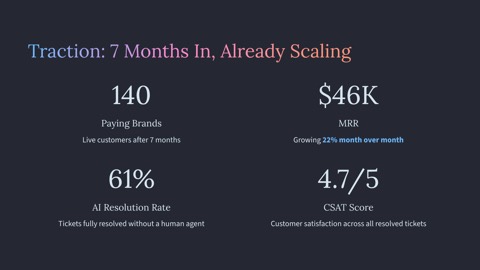
Business plan → Pitch deck
Your business plan runs 30 pages. Investors give your pitch three minutes.
- The classic storyline: problem, solution, market size, business model, competition, traction, team, financials, the ask
- Long documents distilled into one key message per slide
- Your logo and brand colours on every slide



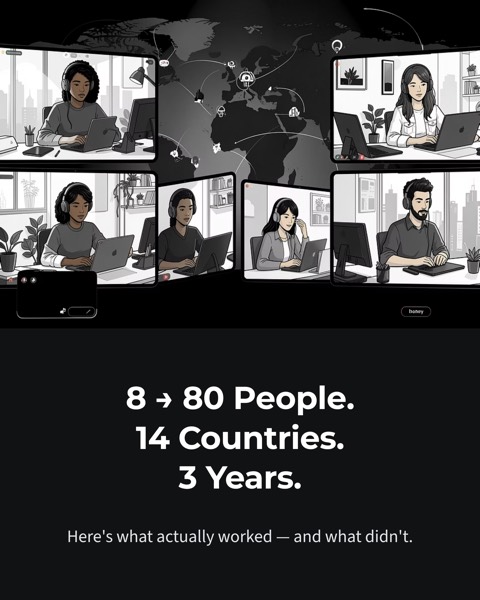
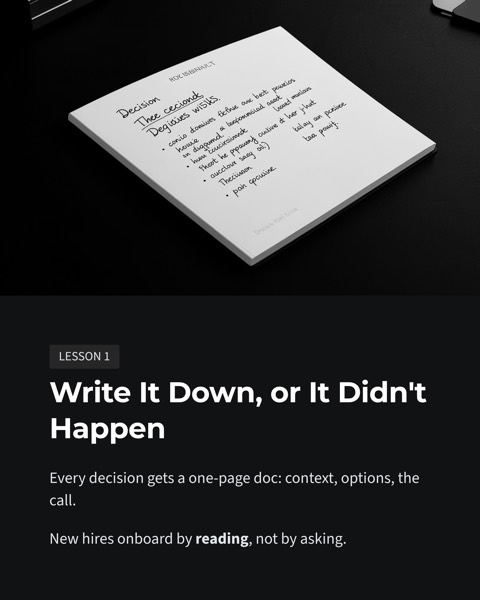
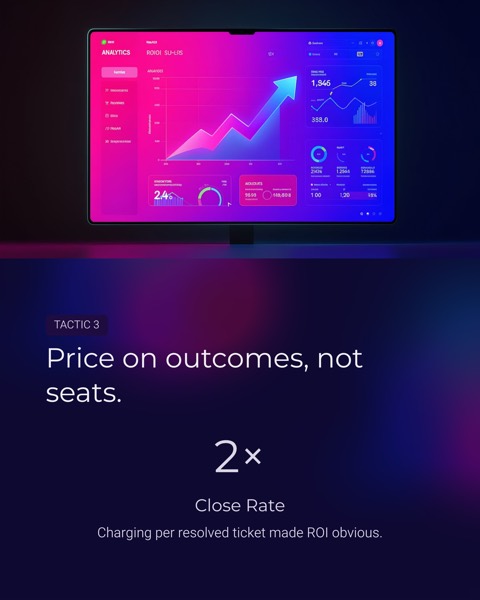
Long read → Social carousel
Great articles get scrolled past. Great images get saved and shared.
- A scroll-stopping cover, then one idea per card
- Xiaohongshu: a 4:5 PNG set, ready to post
- LinkedIn: a PDF you can post as a document carousel
Something else? General AI PPT
Enter a topic or upload a document — reports, training, proposals, class presentations — and get a complete, editable deck.
Purpose-built vs. general AI agents
Why not just ask a general AI agent for slides?
General agents can do a bit of everything. When what you need is a deck with the right structure, fully editable and on-brand, a tool built for it saves you time.
General agents shine at open-ended research and multi-step tasks. Courseware, pitch decks and carousels have established structures and formats — a dedicated tool gets them right faster.
Try it with your documentFour steps from text to slides
No design skills, no hunting for templates. Bring the content — we handle structure, layout and visuals.
- 1
Paste or upload your content
A topic, a lesson plan, a business plan or a long article. Paste the text, or upload a Word, TXT or Markdown file.
- 2
Review the outline
Get every slide’s title and key points first. Edit, reorder, add or remove slides, then generate exactly that structure. Outlines are free.
- 3
Pick a scenario and brand template
Choose courseware, pitch deck, carousel or general, then apply your brand template and output language.
- 4
Download and fine-tune
Export editable PPTX, PDF or a PNG image set, and tweak anything in PowerPoint, WPS or Keynote.
Not just generated — ready to hand in
The details that separate a deck you can use from an AI demo.
Brand templates, one consistent look
Set your logo, theme colours, footer and tone once. Every deck is generated on-template, so your school, agency or company always looks like itself.
Batch generation
Upload a term's worth of lesson plans or a month of articles and generate them in one go, instead of one at a time.
Chinese-first, English too
Prompts, structures and typography are designed for Chinese content first, not translated templates. Output in Simplified Chinese, Traditional Chinese or English.
Editable PPTX export
Not slides flattened into images. Text and pictures stay editable in PowerPoint, WPS and Keynote.
PDF and PNG image sets
PDF for sharing and printing; PNG sets sized for Xiaohongshu and other social platforms, ready to post.
2 credits per slide, images included
Simple, predictable pricing: a 10-slide deck costs 20 credits, AI images included. No hidden fees.
Simple, credit-based pricing
2 credits per slide, AI images included. Every plan includes all scenarios and export formats.
Starter
For the occasional deck
- 300 credits / month
- ≈ 150 slides (≈ 15 ten-slide decks)
- ≈ $0.06 per slide
- All scenarios: courseware, pitch decks, carousels, general
- Editable PPTX, PDF and PNG export
- Brand templates and batch generation
- Email and ticket support
Pro
For teachers, founders and creators who present every week
- 1,200 credits / month
- ≈ 600 slides (≈ 60 ten-slide decks)
- ≈ $0.048 per slide
- Everything in Starter
- Priority support
Team
For high-volume work in schools, agencies and marketing teams
- 4,000 credits / month
- ≈ 2,000 slides (≈ 200 ten-slide decks)
- ≈ $0.04 per slide
- Everything in Pro
Frequently asked questions
Everything you might want to know before creating your first deck.
The AI Slides Playbook
Practical guides on courseware, pitch decks, carousels and slide design — each with a deck our AI generated from the article.
 Courseware
How to Turn a Lesson Plan into Slides with AI in 5 Steps
Turn a lesson plan into slides without starting from a blank deck: a 5-step AI workflow, a plan-to-slide mapping table, a sample outline and pitfalls to avoid.
 Work presentations
AI Presentation Generator Guide: 6 Steps to Usable Slides
AI presentation generator guide for 2026: choose the right input, fix the outline first, set style and branding, pick PPTX or PDF, and skip common mistakes.
 Design & method
Prompts for AI-Generated Slides: A 7-Part Formula and Templates
Write better prompts for AI-generated slides with a 7-part formula: audience, goal, length, structure, material, tone and limits. Plus 6 ready templates.
 Pitch decks
Business Plan to Pitch Deck: Turn 30 Pages into 12 Slides
Converting a business plan to a pitch deck takes more than cutting words. Learn the 6-step method, a before-and-after rewrite, and how to handle missing data.
 Design & method
Editable PPTX vs Image Slides: What Differs and When to Use Each
Editable PPTX vs image slides compared on 6 points: editing, sharpness, fonts, file size, search and teamwork, plus a 30-second test to spot fake decks.
 Social carousels
LinkedIn Carousel Guide: How to Make and Post a PDF Carousel
A LinkedIn carousel guide: document posts vs image posts, a 10-page structure, 4:5 sizing, upload steps and copy tips for a PDF that people swipe to the end.
Let AI make your next deck
Paste your content, pick a scenario and brand template, and get an editable PPTX in minutes.