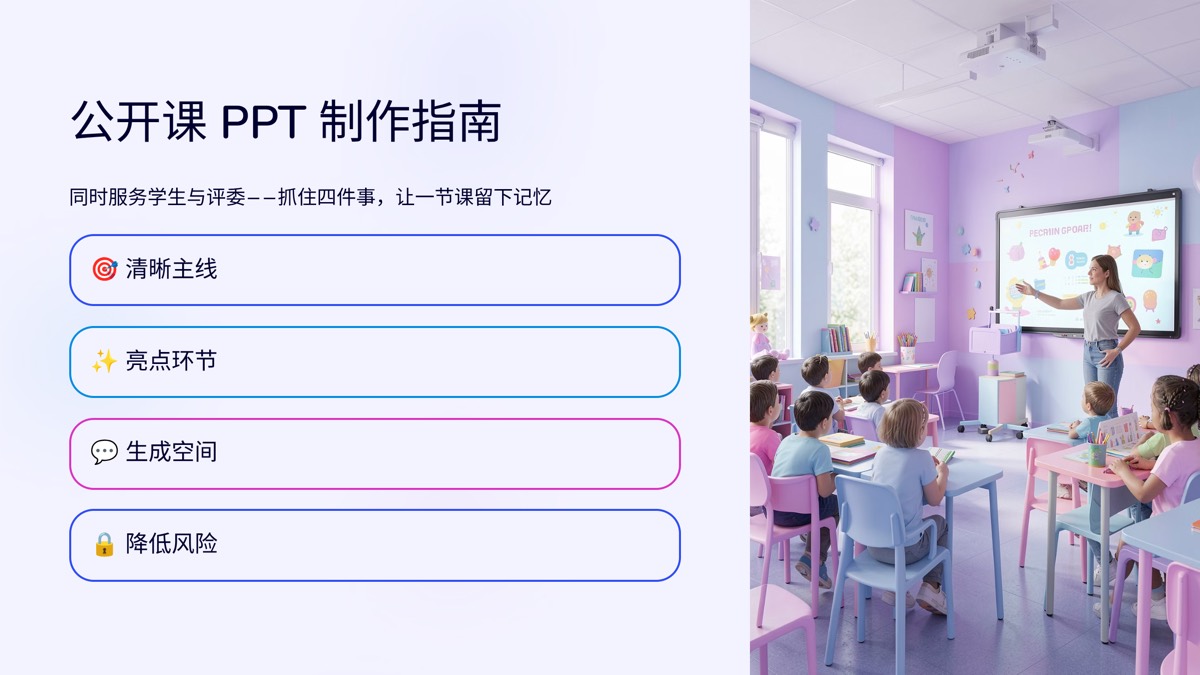
A parent meeting presentation works well when you treat it as a short report to families: here is how the class is doing, here is what we are working on, and here is exactly what you can do at home. Ten slides is enough for most class teachers: welcome and agenda, a class overview, learning results, highlights, shared challenges, what comes next, how parents can help, safety and holiday reminders, and time for questions. Two rules keep it on the right side of the line: talk about the class as a whole rather than individual rankings, and pair every problem with a plan rather than naming children.
In Chinese schools the jiazhanghui (家长会) is a whole-class meeting: the homeroom teacher presents to all parents at once, usually mid-term and at the end of term. Elsewhere it may be a curriculum night, a parent information evening or a back-to-school meeting. The structure below works for all of them.
What parents want to leave with
Parents sitting in a classroom chair usually want answers to five questions:
- How is my child doing? What is the class like overall, and where does my child roughly fit?
- What happens next? Exams, events, holidays, and how review will work.
- What can I do at home? Specific things to do each evening or each week.
- What should I watch for? Safety and routines before a break.
- Who do I talk to? How to book a one-to-one conversation.
Every slide should answer one of those. Anything parents cannot use, such as a long statement of school philosophy, can shrink to a sentence or go.
A 10-slide structure
This assumes about 40 minutes for the class teacher. With less time, merge slides 2 and 3, and slides 7 and 9:
| Slide | Page | What goes on it | Time |
|---|---|---|---|
| 1 | Welcome | Class, date and a one-line theme, such as "Finishing the term strong, together" | ~1 min |
| 2 | Agenda | Running order, who speaks when, and the finish time | ~1 min |
| 3 | Class overview | Key events, activities, class achievements, attendance and homework completion | ~3 min |
| 4 | Learning results | Class-level results and trends, score bands, common mistakes; no rankings | ~6 min |
| 5 | Highlights | Areas of clear progress, class photos, anonymized or approved examples | ~4 min |
| 6 | Shared challenges | Two or three issues: what we see, why, and what school is doing | ~5 min |
| 7 | What comes next | Exam dates, review plan, events and deadlines | ~4 min |
| 8 | How you can help | Three to five specific, doable requests | ~5 min |
| 9 | Safety and holiday | Travel, home safety, winter hazards, online safety, routines | ~3 min |
| 10 | Questions and contact | Q&A time, how to book a meeting, thank you | 5+ min |
The order matters. Parents get the big picture first, then the challenges, then immediately the plan and the asks, and finally space to talk. Write slide titles as conclusions: "Fewer calculation errors; reading comprehension is still our shared gap" says far more than "Learning results."
The results slide: share data with care
This is the slide parents listen to hardest, and the one most likely to go wrong.
- Class, not individuals. Show overall levels, how many students sit in each score band, and the mistakes most of the class made. Share individual results privately. Whether and how results may be shared is your school's call.
- Trends, not just snapshots. Comparing with the previous test shows direction.
- Specific enough to act on. "Most lost marks were on carrying in addition and unit conversion" tells a parent what to look at tonight; "calculation needs work" does not.
| Risky | Safer |
|---|---|
| A full class ranking | Score-band distribution and how it moved; individual results sent privately |
| "Some students are lazy about homework" | "On-time homework went from X% to Y%; late work clusters on weekend tasks" |
| Naming a struggling child | Describing the shared issue; individual cases followed up privately |
| A single class average | The average plus two or three common mistakes and what we will do about them |
Use numbers from your school's records; X and Y above are placeholders.
What to say: three patterns
Keep the slides to conclusions and key numbers, and leave the talking to your notes.
- Credit first, then the issue. "This half-term the class made real progress on morning reading and homework. There are also two things I would like us to work on together." Parents hear the problem better after they hear the progress.
- Every issue gets a plan. "At school we are adding two short calculation drills a week. At home, please spend ten minutes looking at your child's mistakes notebook; you do not need to check every answer." Say what school does and what home does, separately.
- Make the ask concrete. Not "please support your child's learning," but "phones go to a parent at 9:30 pm" or "check the school bag together on Sunday evening." Requests parents can follow are the ones that work.
Prepare short answers to the questions parents usually raise: homework load, the holiday plan, a child who cannot concentrate. If time runs out, invite one-to-one bookings; never discuss a specific child in front of the whole room.
Mid-term vs end-of-term
The structure carries over; slides 4, 7 and 9 change:
| Mid-term meeting | End-of-term meeting | |
|---|---|---|
| Focus | Diagnose and adjust | Wrap up and plan the break |
| Results slide | First half of term and shared issues | The term's progress and exam arrangements |
| What comes next | Second-half priorities, events and test dates | Exams, break dates, return date, next-term preparation |
| Holiday slide | Short, or swapped for routines | Holiday routines, safety, homework and reading; give it more time |
| Tone | Let us adjust course together | Thank you for this term; here is the plan for the break |
Entry years and exam years need more tailoring. For first-year classes, spend longer on routines and settling in. For final-year classes, take admissions dates and requirements from official notices, not memory.
Common mistakes
Putting the grade sheet on screen. It often breaks school policy, and parents fixate on rank instead of what you need them to hear.
Forty minutes of one voice. Leave room for questions, and break up the talk with a photo or a short clip of class life.
Small text, too much of it. Parents at the back cannot read it. One title, three to five lines and one image per slide; see our classroom slide design rules for sizes and colors.
Vague asks. "Please support the school" gives parents nothing to do. Say what, when and how much.
Photos without permission. Follow your school's rules on student images; prefer group shots or get consent first.
Only problems. A parent meeting is not a list of complaints. Pair each issue with a plan, and show progress.
Turn your talk into slides with AI
Many class teachers write their talk first. AI can handle the slide-making. Our AI slide studio produces high-quality, editable decks:
- Prepare the text. Remove student names, contact details and ID numbers, or replace them with codes, and keep only class-level results. Where a number is still missing, write "[TBD]" and fill it in later.
- Bring it in. Open the AI slide studio and paste your talk, or upload a .docx, .pdf, .txt or .md file, or import a web page by link. PDFs need selectable text; run OCR on scanned files first. For Word files, see Word to PPT.
- Review the outline. The AI drafts a slide-by-slide outline first, and the outline uses no credits. Rename slides to match the structure above, reorder them, and add the agenda and contact slides if they are missing. The deck follows the outline you approve.
- Pick a style and generate. A bright, clean look suits a parent meeting, and a brand kit can hold your school logo and footer. Each slide costs 2 credits, and the total is shown before you generate.
- Export and check. Download an editable PPTX to check every number and date in PowerPoint or WPS and swap in real class photos, or export PDF or PNG to share with parents afterward. Every generated slide carries a small "AI-generated" footer label, as Chinese regulations require.
The AI splits your talk into slides and handles layout and images; the judgment about what to share with parents stays with you. At the end of term, swap slides 4, 7 and 9 and the same deck serves the next meeting.
FAQ
How many slides should a parent meeting presentation have?
Work backward from your speaking time. A class teacher usually speaks for 20 to 40 minutes, depending on the school, so about 10 slides at two to four minutes each is enough. If subject teachers also speak, give each one or two slides or let them bring their own.
Can I show grades or rankings on the slides?
Be careful. Many schools and education authorities restrict publishing individual results or class rankings, so follow your school policy. Show the class picture instead: how the score distribution moved and the mistakes most students made. Share individual results privately. Praise by name if you like; never criticize by name.
How does a mid-term meeting differ from an end-of-term one?
Mid-term is about diagnosis and adjustment: how the first half went, what the second half will focus on, and what parents can do. End-of-term is about wrapping up and the holiday: the term in review, exam and break dates, routines and safety over the holiday, and preparation for next term. Keep the structure and swap the results, next-steps and holiday slides.
My talk is in a Word document. Can I turn it into slides directly?
Yes. Upload the .docx, or a PDF with selectable text, a .txt or a .md file, or paste the text. Run OCR on scanned PDFs first. The AI drafts a slide-by-slide outline first, which uses no credits; match it to the 10-slide structure, then generate an editable PPTX. Remove student names and contact details before you upload.




 Editorial Team