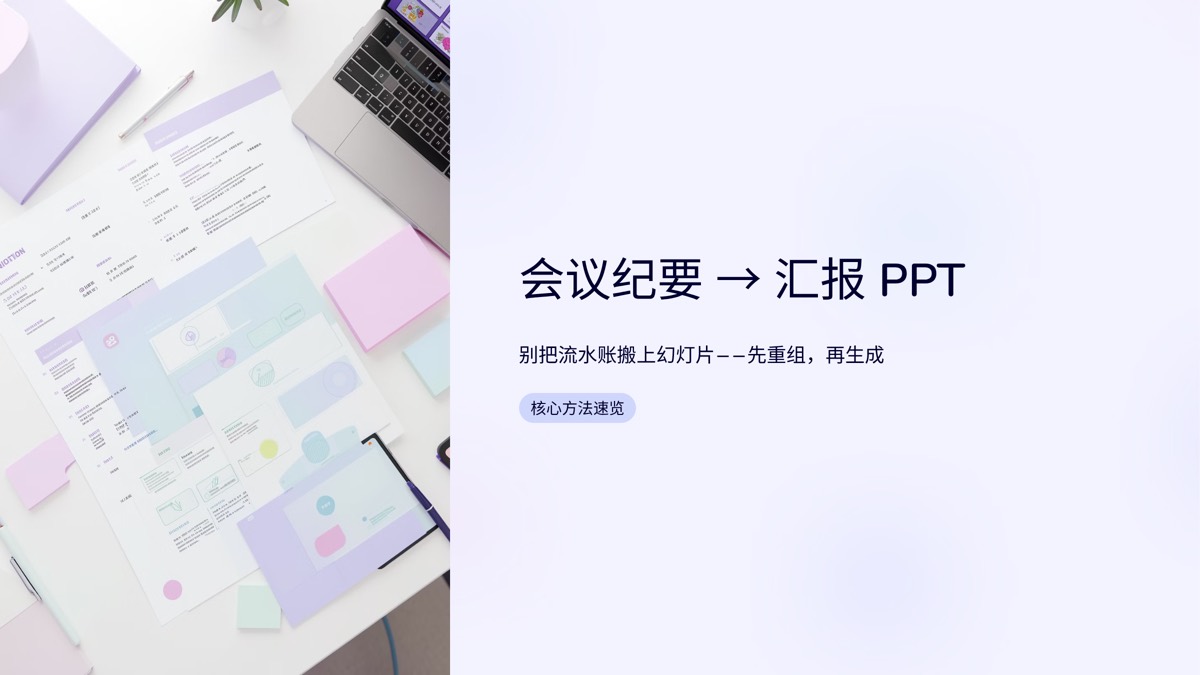
A classic mistake when making slides from meeting notes is copying the minutes onto slides in chronological order. Minutes record the discussion; an update deck delivers the conclusions and next steps. The fix is to reorganize the notes into conclusions, decisions, actions and risks before you generate anything. Below is a five-step method, a slide template you can reuse, and a privacy checklist to run before uploading.
Minutes and update decks are different documents
| Aspect | Meeting minutes | Update deck |
|---|---|---|
| Organized by | Time and speaking order | Conclusions and importance |
| Audience | Attendees who know the context | People who were not there, often leadership |
| Detail | As complete as possible | Only what bears on decisions |
| Purpose | Record and reference | Understanding, decisions, support |
| Opens with | Date and attendees | The bottom line in one sentence |
So turning minutes into slides is not a formatting job; it is a restructuring job. Drop raw minutes into any tool and you get a prettier transcript, nothing more.
Five steps from minutes to an update
- Identify the decision your audience must make. A department head needs the items requiring sign-off or resources. A project team needs actions and deadlines. Different audiences produce very different decks from the same notes.
- Tag every line. Mark each item as a Conclusion, Decision, Action, Risk or Background. A simple letter in the margin works. Lines you cannot tag are usually discussion, and they can go.
- Merge and cut the process. Combine repeated discussions of the same topic into one outcome. "Sam argued X, then Priya added Y" becomes the conclusion they reached.
- Write a one-slide summary. In three to five sentences: what was discussed, what was decided, who does what next and what support is needed. It goes first, because many people will read only this slide.
- Outline, then generate. Lay out a slide-by-slide outline using the template below, make sure every title is a conclusion, then let the tool build the slides.
A reusable update template
| Slide | Example headline | Contents |
|---|---|---|
| Summary | Launch date set; we need extra QA capacity | Three to five key conclusions |
| Decisions | New version ships mid-November | What was decided, why, and by whom |
| Progress | Core features are nearly complete | Status, key metrics, one chart if useful |
| Actions | Five actions, each with an owner | Task, owner, deadline |
| Risks | QA shortage could delay launch | Risk, impact, mitigation |
| Asks | We need two testers on loan from another team | Specific request and reply-by date |
| Appendix | Original notes and attendees | For reference only |
For a typical weekly or project meeting, five to eight slides is enough. The number of decisions the audience faces should set the length, not the length of the meeting.
Variations by meeting type
Weekly team meetings
Focus on progress and actions. Three slides often suffice: summary, this week's progress, next week's actions and risks. Keep the format fixed so people learn where to look.
Project retrospectives
Organize around goal, result, what went well, what to change and next steps. Keep it about the work, not individuals, so the retro does not read like a blame log.
Client meetings
For internal updates, highlight changes in client needs, commitments you made and follow-ups. If the deck goes to the client for confirmation, formalize the wording and remove internal discussion.
Quarterly and annual reviews
Combine notes from many meetings and organize them by business theme rather than by date. The year-end review deck example shows how a review deck comes together from raw material, and you can view its input and regenerate it.
Redaction and review checklist
Before sending meeting content to any online tool:
- Remove or replace client names, contract values, pricing and personal contact details.
- Strip out unannounced personnel, compensation and reorganization information.
- Follow your company's data policy for external tools.
- After generating, check every slide against the original notes: numbers, names and dates must match.
- Read each conclusion carefully to confirm it has not become more certain, or vaguer, than what was actually agreed.
Let AI handle the build
Paste your cleaned-up notes into our AI slide studio or upload a .docx, .txt or .md file. Before generating, you get an editable slide-by-slide outline that uses no credits, so you can reorder slides and rewrite titles to match the template above, and the page count you approve is exactly what you get. If you turn several projects' notes into updates every week, batch up to 20 documents into one style so every update looks consistent, and use a brand kit so footers and page numbers are handled automatically. When you are ready, start in the AI slide studio.
For the full structure of a status update, read status report presentation structure. To see why the outline comes first, read outline-first presentations.
FAQ
Can I upload meeting notes directly to generate slides?
Yes. Paste cleaned-up notes or upload a .docx, .txt or .md file. Tag each item as a conclusion, decision, action or risk first and delete small talk and repetition, so the generated outline follows the logic of an update rather than the order of the meeting.
How many slides should a meeting update have?
For a typical weekly or project meeting, five to eight is plenty: a summary, one or two slides of decisions, actions with owners, risks and asks, and optionally a progress slide. Let the number of decisions your audience must make set the length, not how long the meeting ran.
What should I watch for when feeding meeting notes to AI?
Redact first: remove or replace client names, contract values, personal contact details and unannounced people changes, and follow your company's policy on external tools. After generating, check every slide against the original notes so no fact or nuance has been changed.
A meeting is only worth what happens after it. Turn "who said what" into "what we decided, who owns it and what we need," then let the tool do the layout — and every post-meeting update becomes shorter, clearer and far more likely to move things forward.

 Editorial Team